

Connect Tuyo to ChatGPT
Add the Tuyo connection in ChatGPT, approve access on your phone, and start a conversation.
Use ChatGPT in your browser. Custom connections must be available for your account or workspace.
Quick text guide
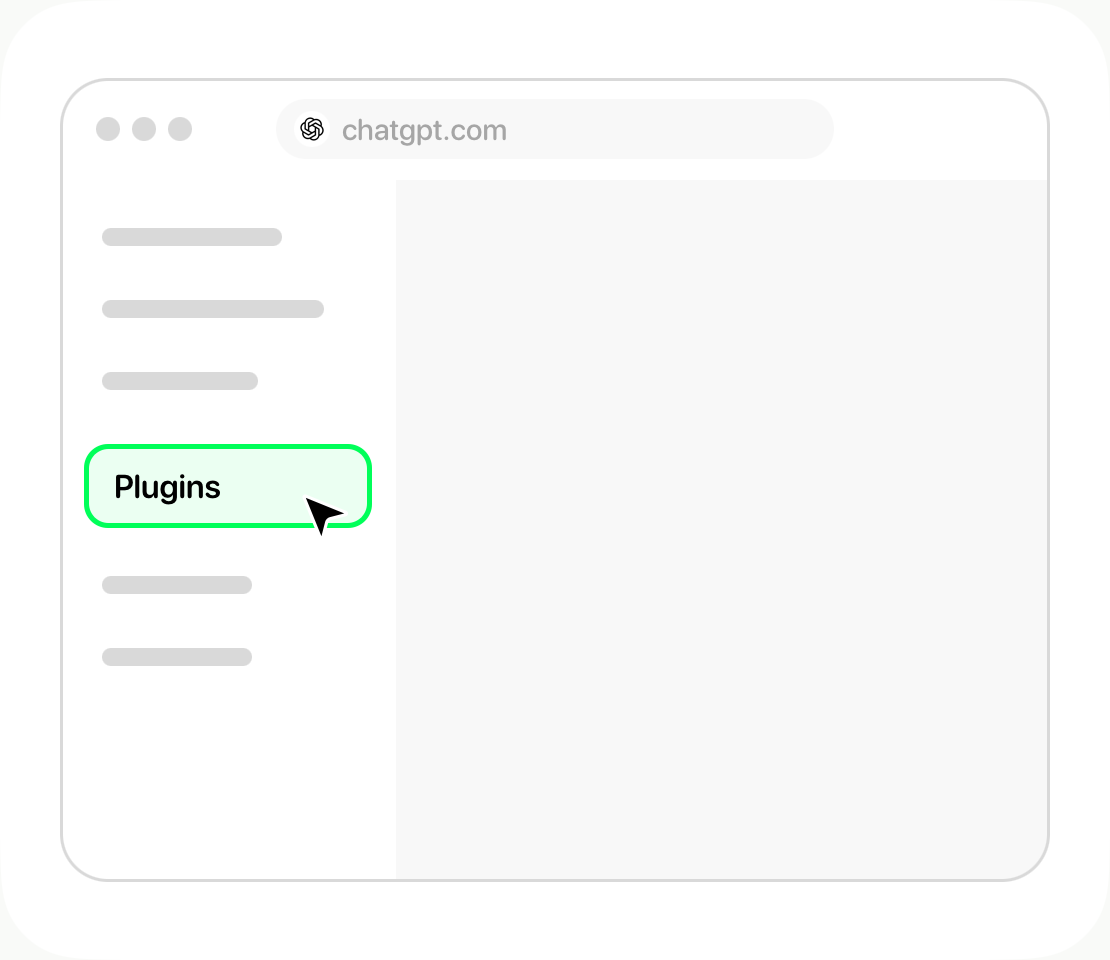
- Open ChatGPT, then Plugins.
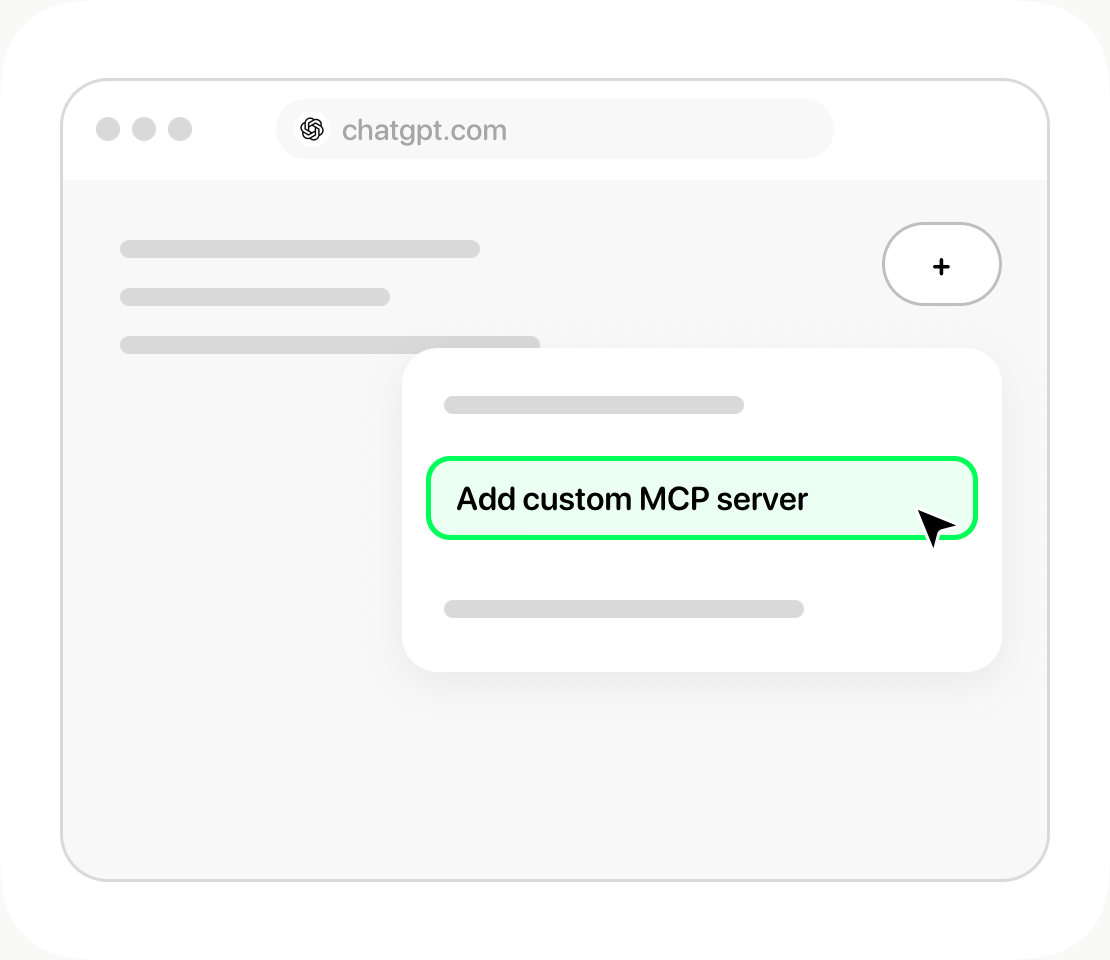
- Select + → Add custom MCP server.
- Name it Tuyo, enter https://mcp.tuyo.com/mcp as the server URL, and choose OAuth.
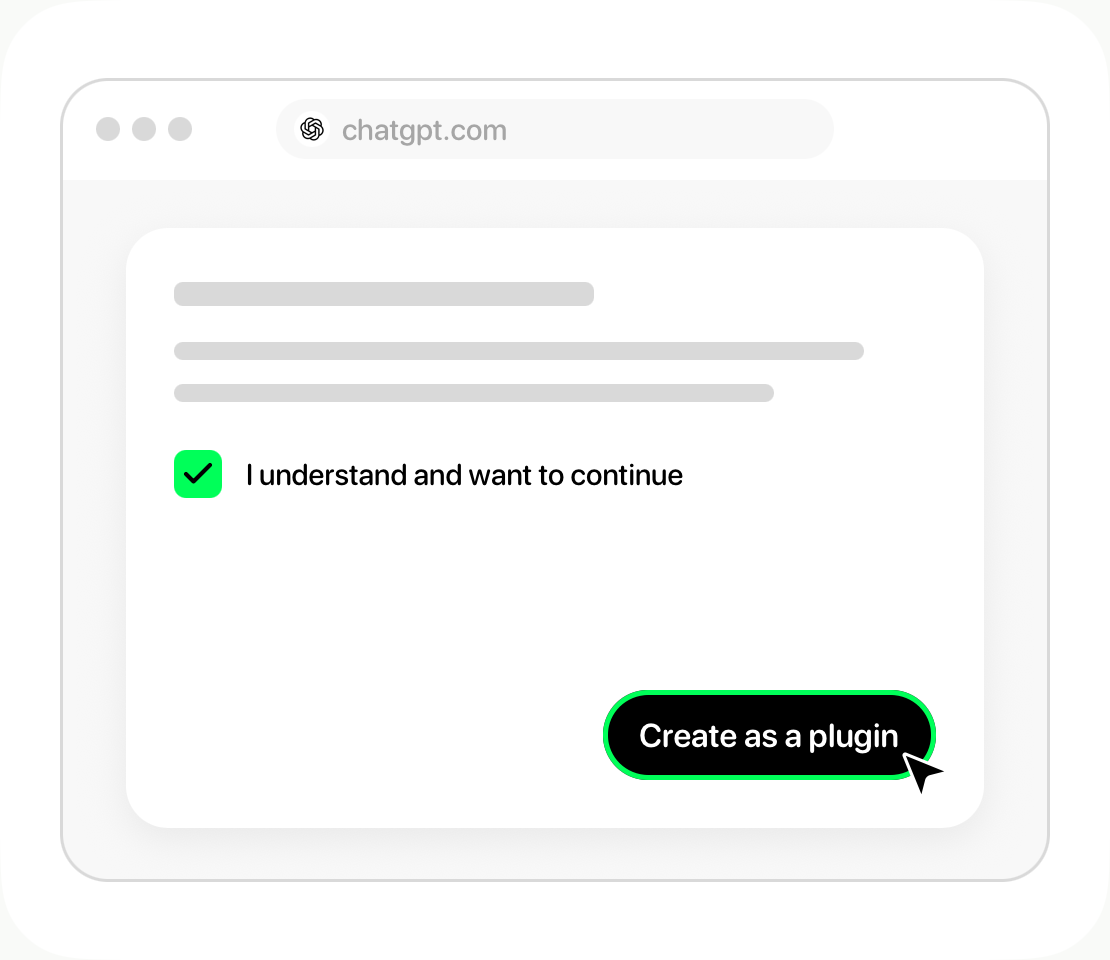
- Review the warning and choose Create as a plugin.
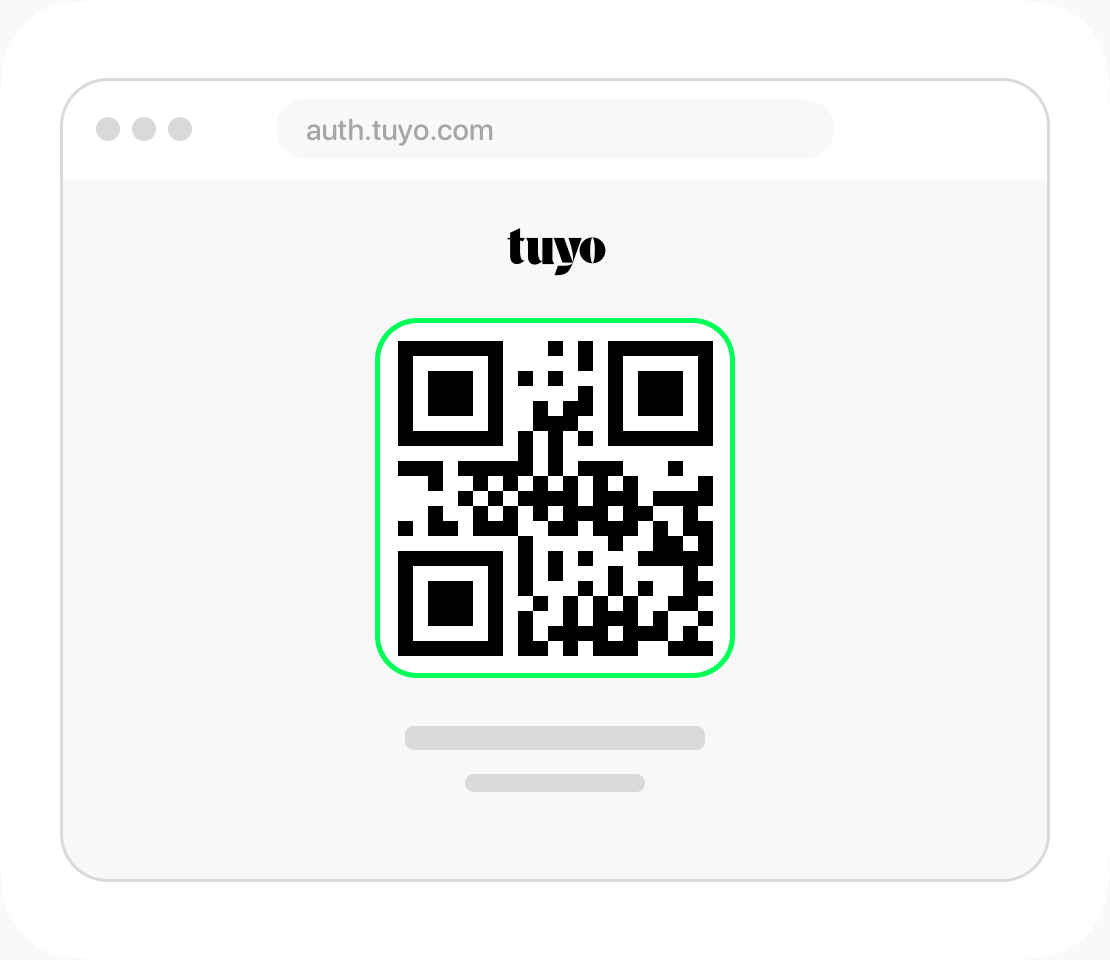
- Continue to Tuyo, scan the QR code, approve access, and return to the original browser tab.
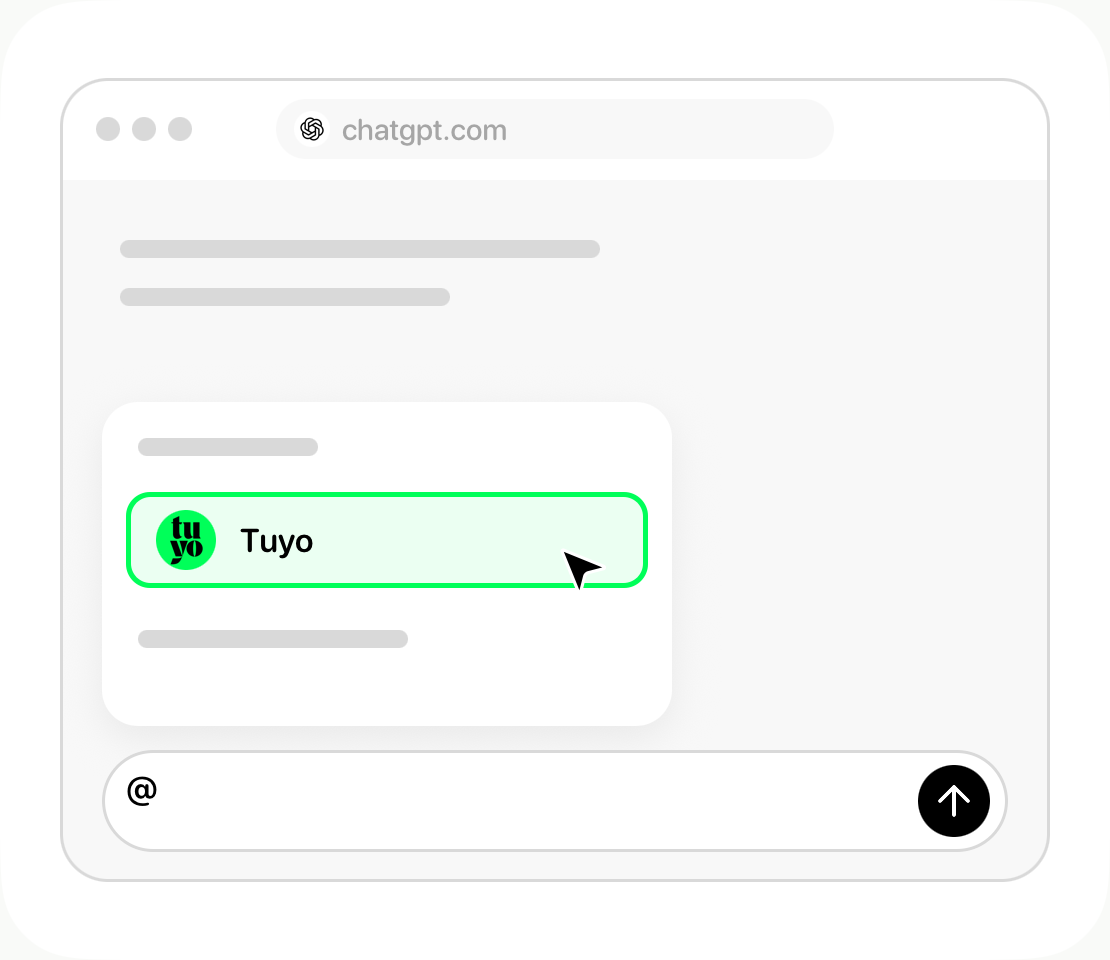
- Choose Tuyo with @ in your conversation, then ask about your balance.
Step-by-step guide
Open Plugins
Open ChatGPT in your browser, then open Plugins.
Add the connection
Select +, then Add custom MCP server.
Enter the Tuyo details
Use Tuyo as the name. Enter the connection URL below under Server URL and choose OAuth authentication.
https://mcp.tuyo.com/mcp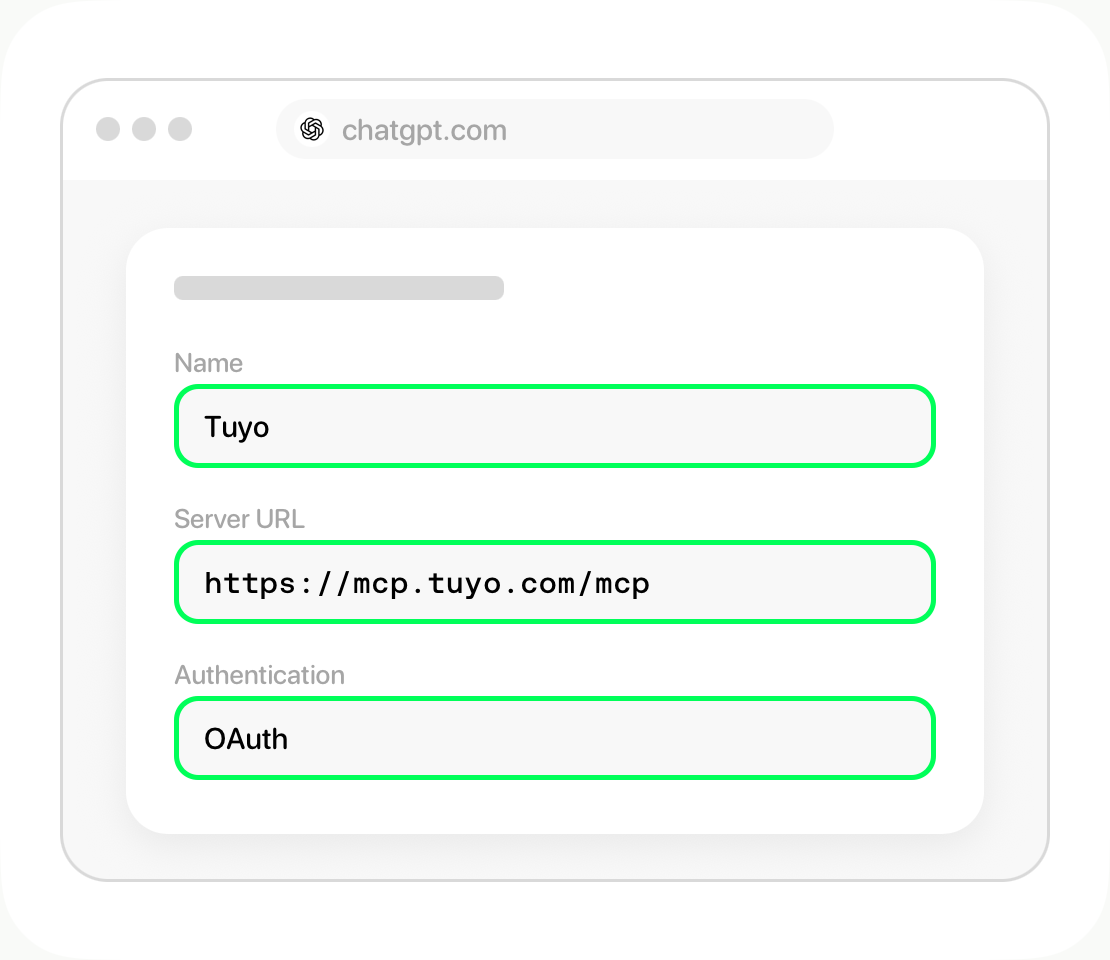
Review and create
Read the connection warning. Select I understand and want to continue, then Create as a plugin.
Approve access in Tuyo
Continue to Tuyo when prompted. Scan the QR code, review the request in Tuyo, and approve it. Return to the original browser tab.
Choose Tuyo in your chat
Install Tuyo if prompted. In a conversation, type @ and choose Tuyo. Ask: What's my available balance in Tuyo?
After connecting
Ask about your balance, activity, or deposit details. Each send or conversion still needs your separate approval in Tuyo.
Illustrated steps. Menu names can vary by app version. See ChatGPT's connection instructions if your menus differ.