Unfreeze your card
Use card management to restore a frozen Tuyo card to its active state.
Quick text guide
- On the main page, tap the Card tab in the bottom navigation.
- On the Card page, tap the Card shortcut.
- On the frozen card-management screen, tap Unfreeze. The card returns to its active appearance and the control changes back to Freeze.
Unfreeze applies immediately
Only unfreeze the card when you are ready for it to be used again.
Step-by-step guide
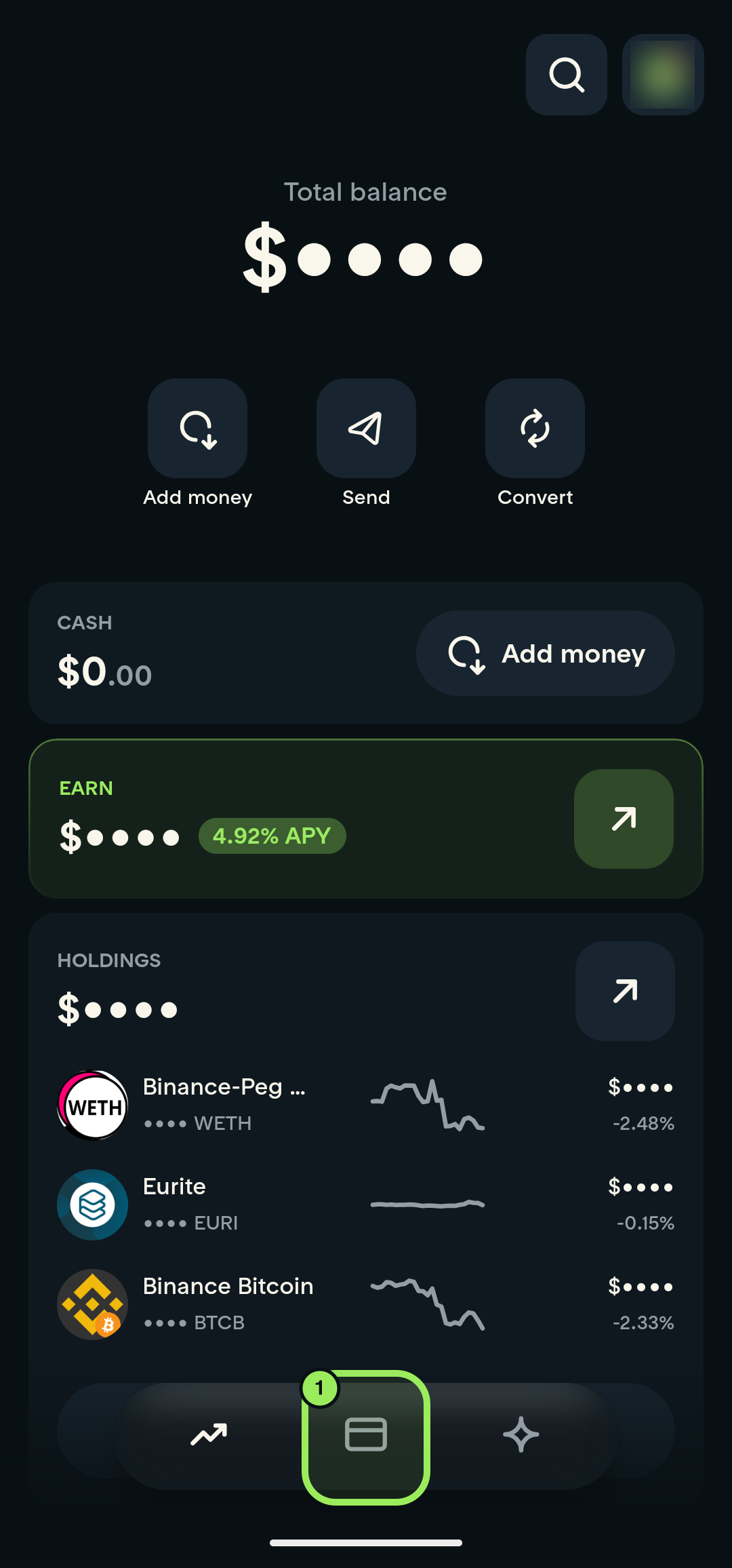
1. Open the Card tab
On the main page, tap the Card icon in the bottom navigation.
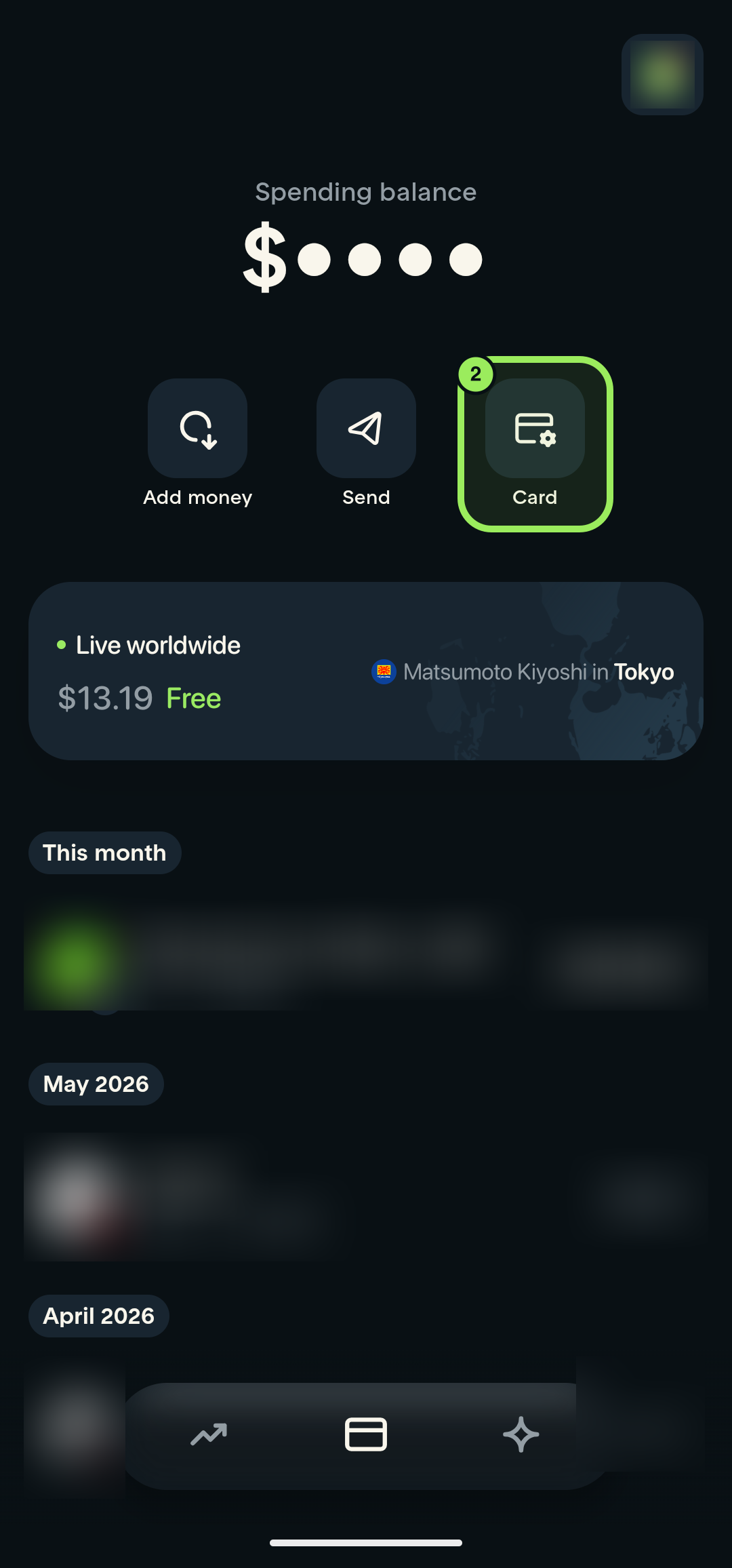
2. Open card management
On the Card page, tap the Card shortcut.
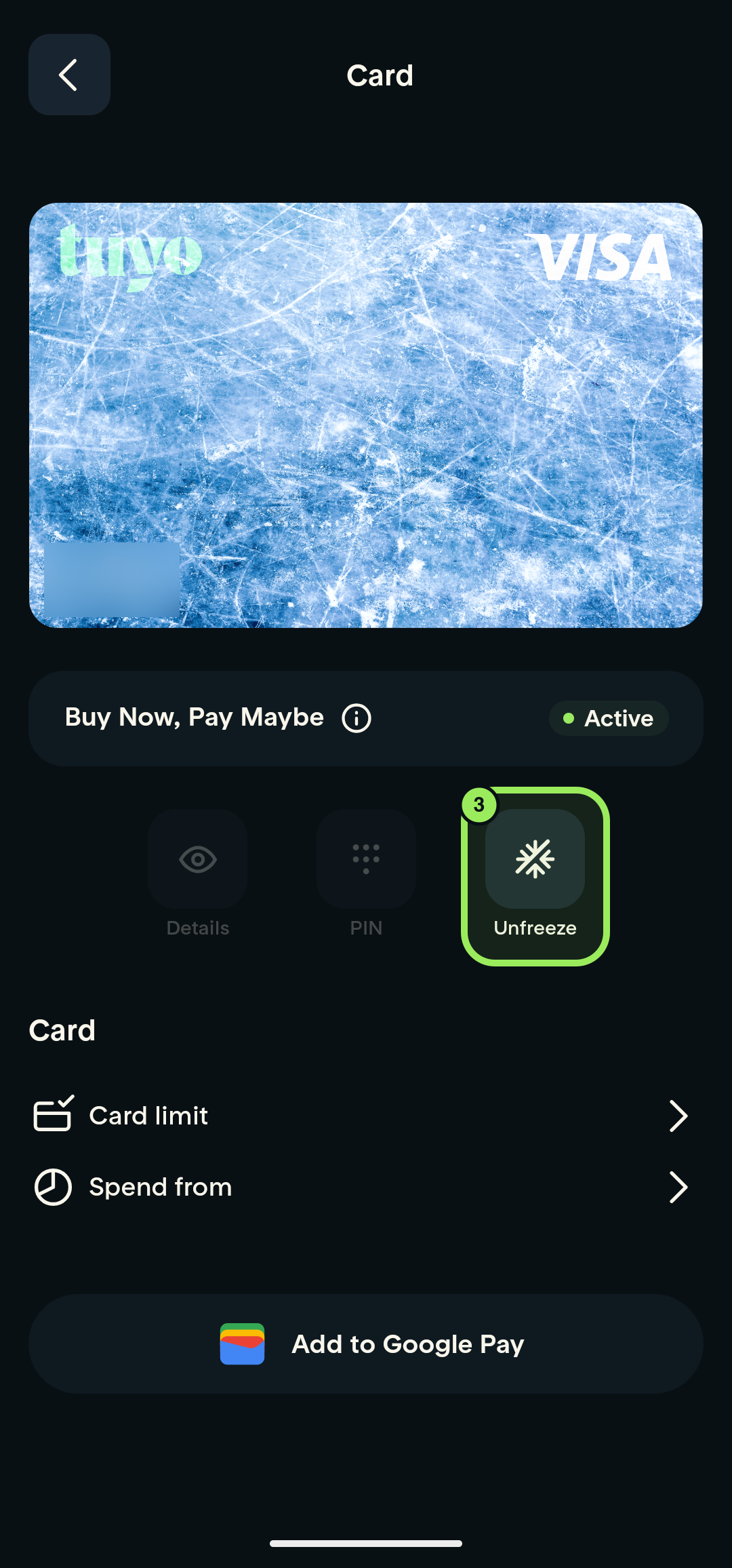
3. Unfreeze the card
On the frozen card-management screen, tap Unfreeze. The card returns to its active appearance and the control changes back to Freeze.
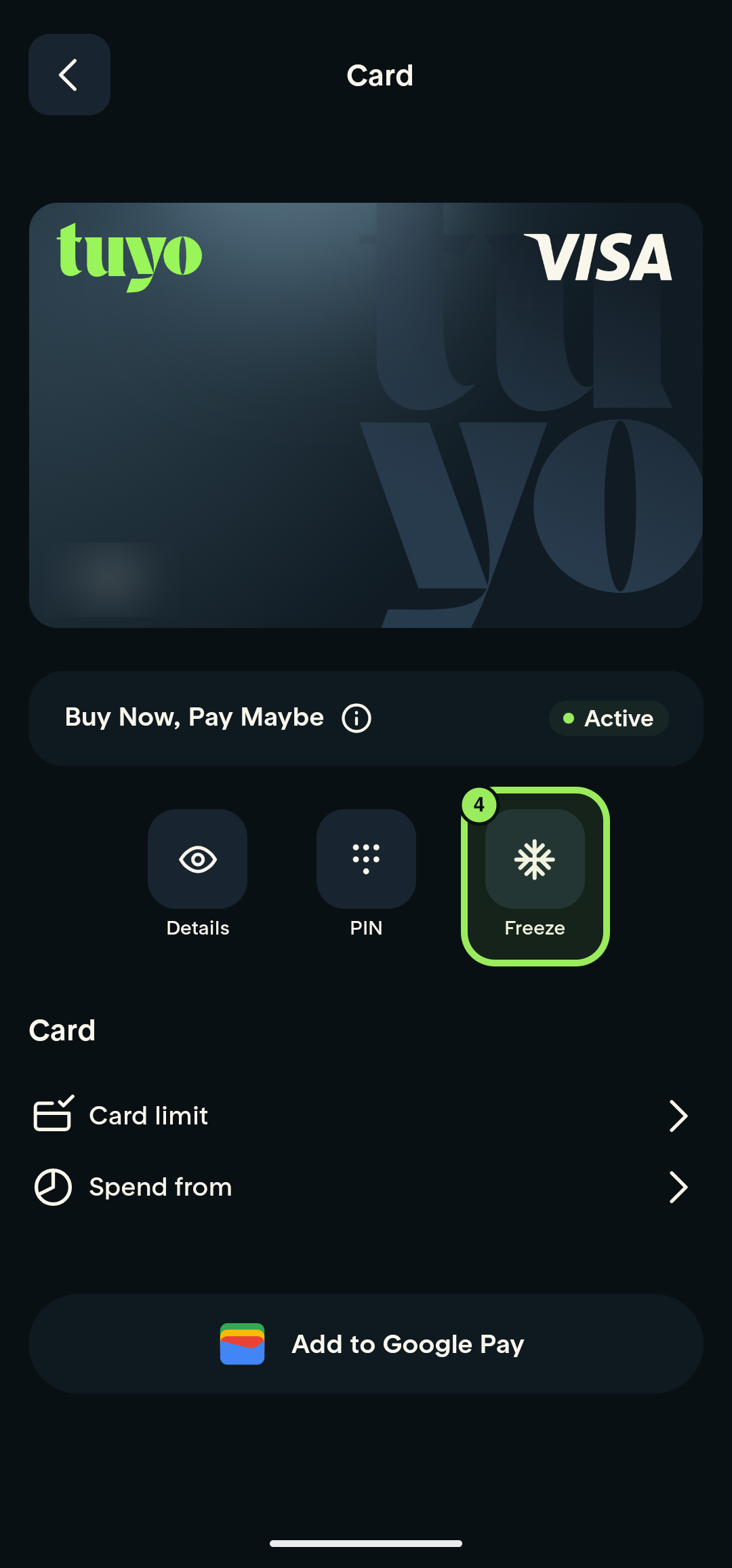
4. Confirm that the card is active
The normal card appearance returns and the control changes back to Freeze. This confirms that the card is active again.