
Deposit on-chain assets
Use Receive in Settings to begin depositing on-chain assets into Tuyo.
Quick text guide
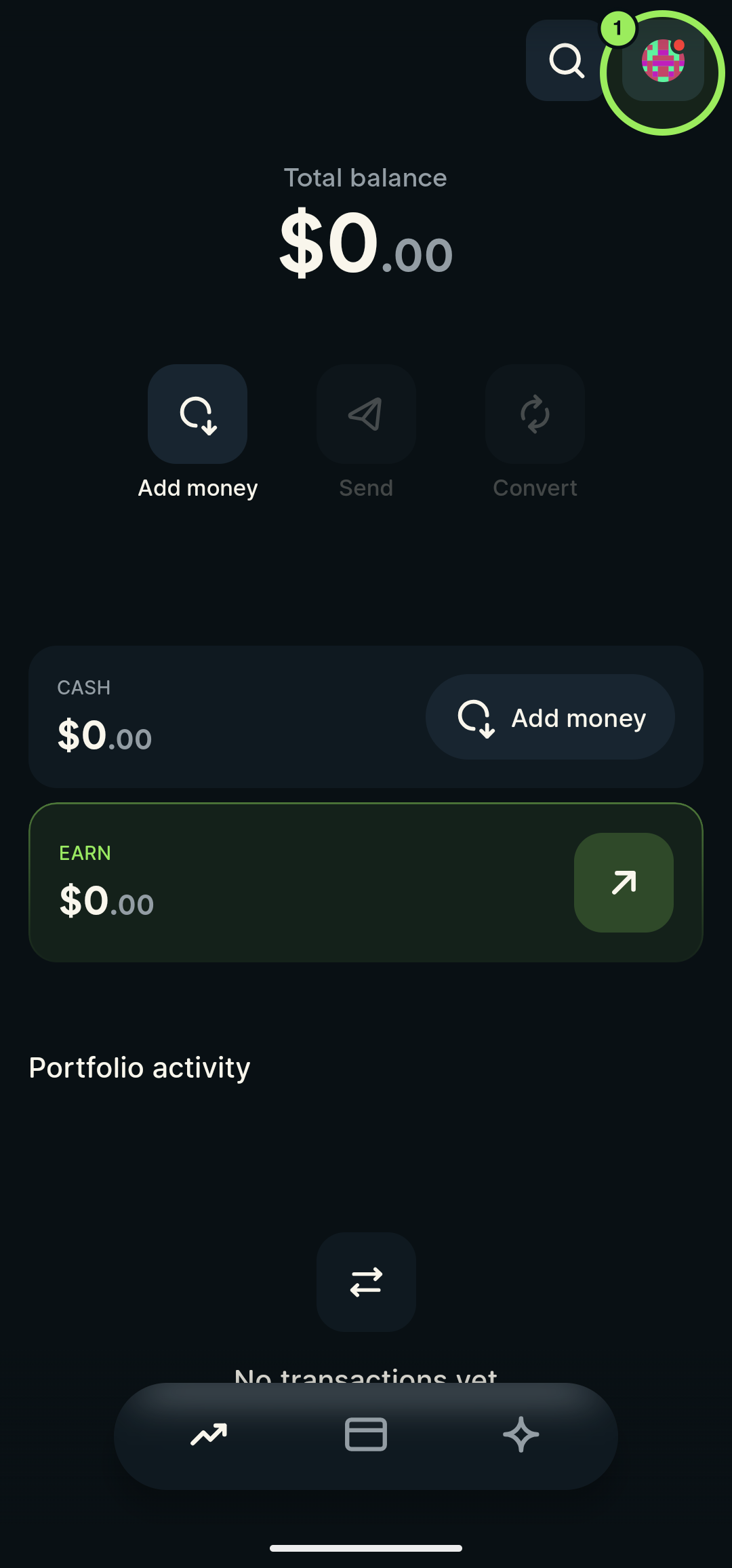
- On the main page, tap your profile picture in the top-right corner to open Settings.
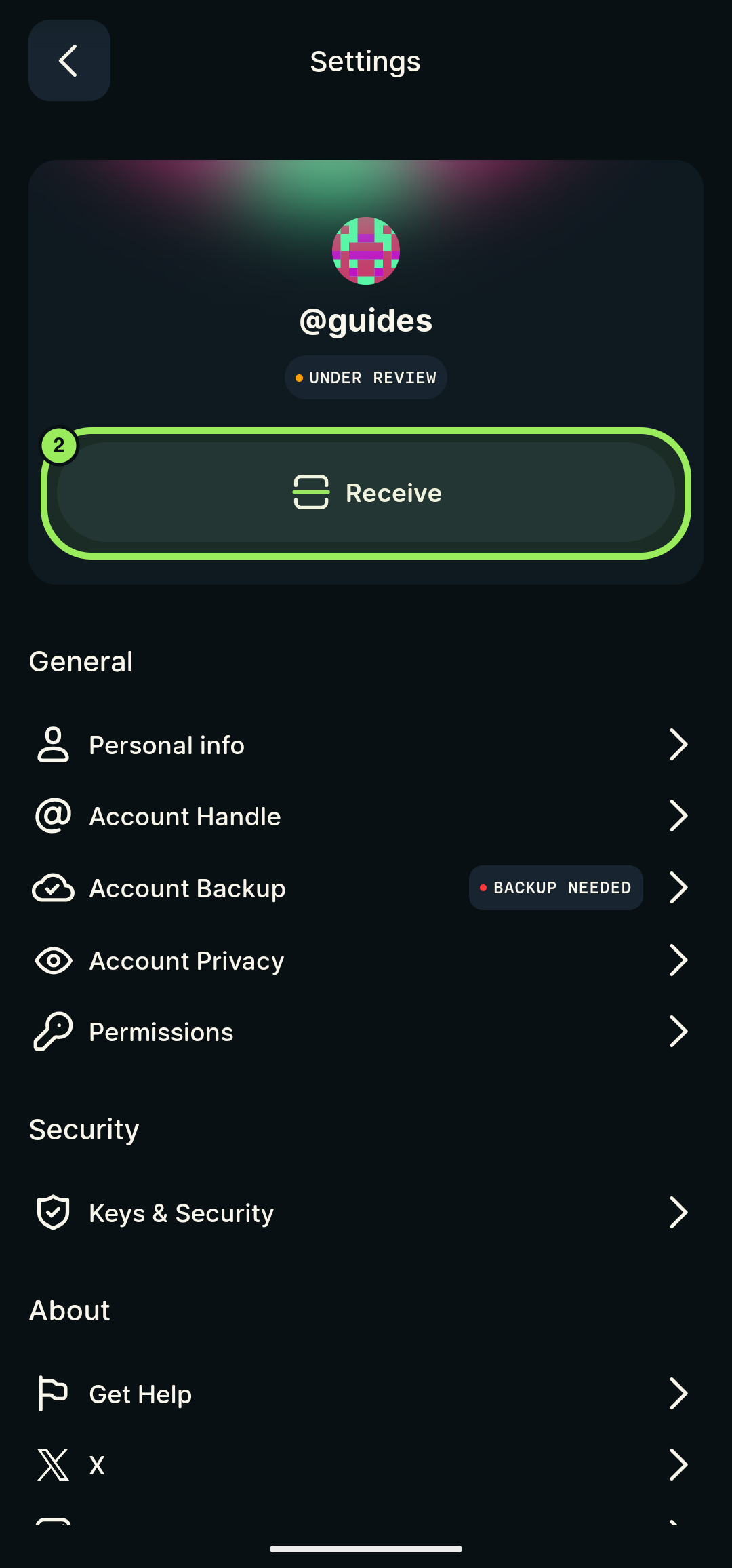
- On the Settings page, tap Receive.
Step-by-step guide
1. Open Settings
On the main page, tap your profile picture in the top-right corner.
2. Tap Receive
On the Settings page, tap Receive.
Understand your wallet
Your recovery phrase and smart-account address explains why another wallet may show a different address and what independent access requires.