Set your card to spend from Cash
Keep Cash as the only balance available for card spending.
Quick text guide
- On the main page, tap the Card tab.
- Tap the Card shortcut.
- Tap Spend from.
- Turn off the Earn balance switch.
Step-by-step guide
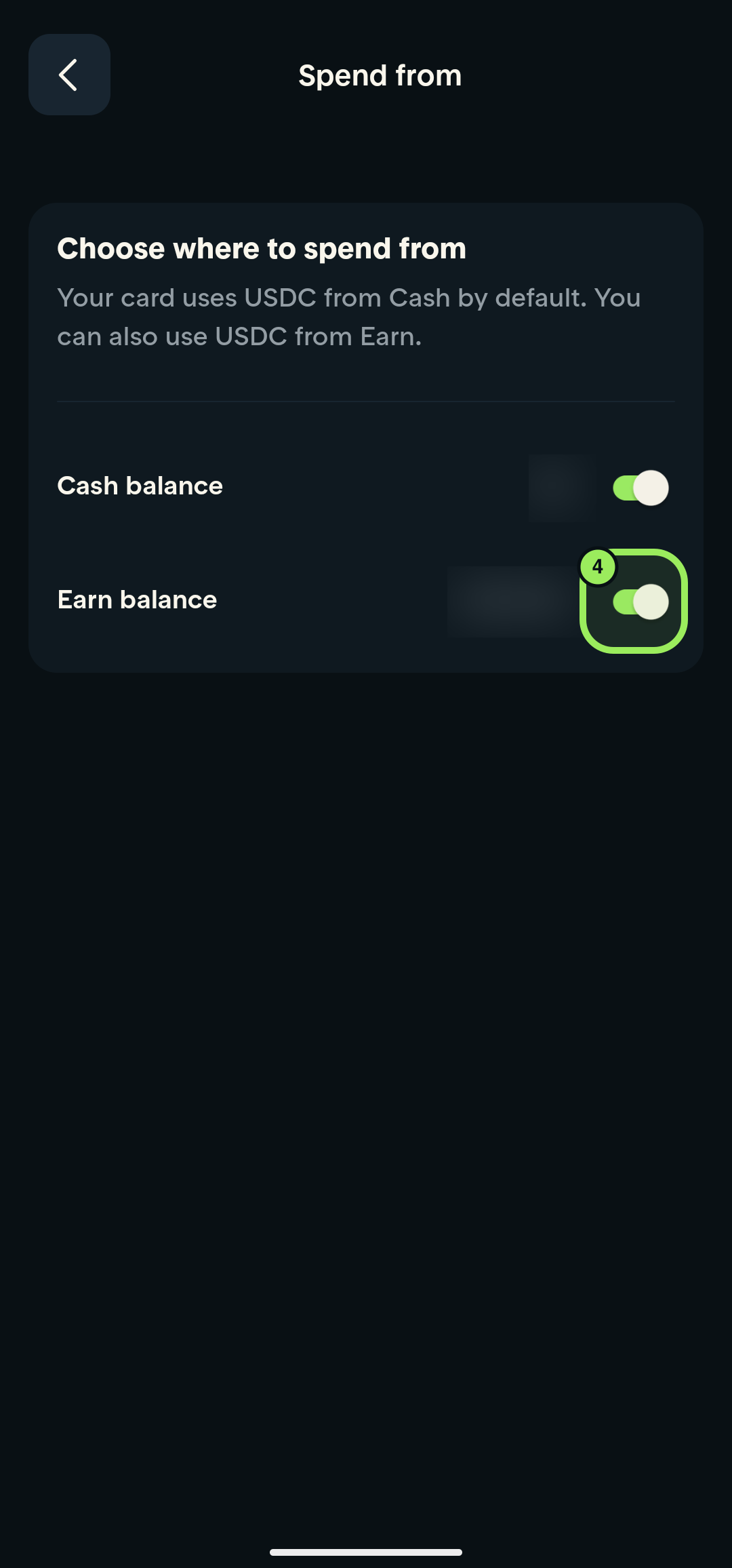
1. Open the Card tab
Tap the Card tab in the bottom navigation.
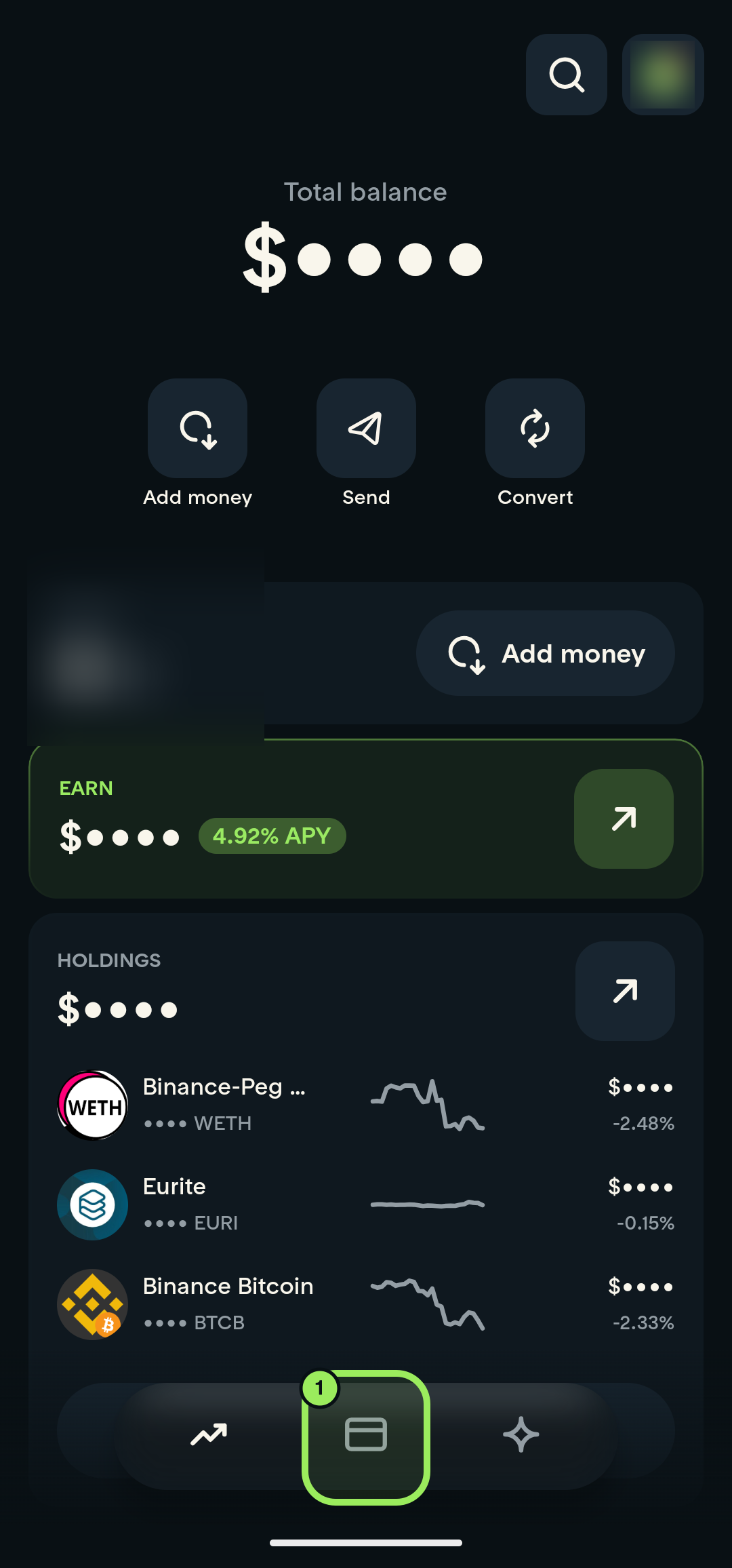
2. Open card management
Tap the Card shortcut.
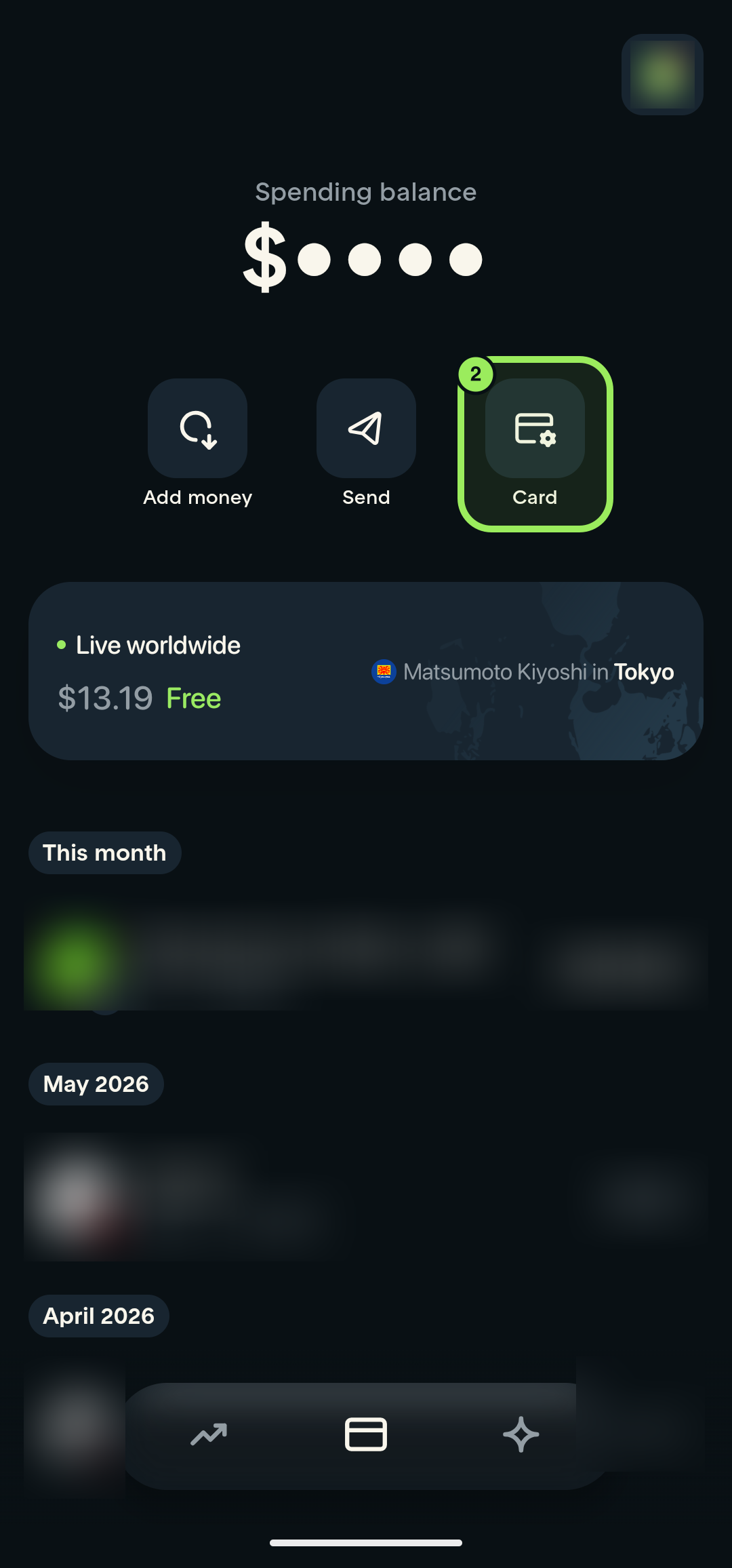
3. Open Spend from
Tap Spend from.
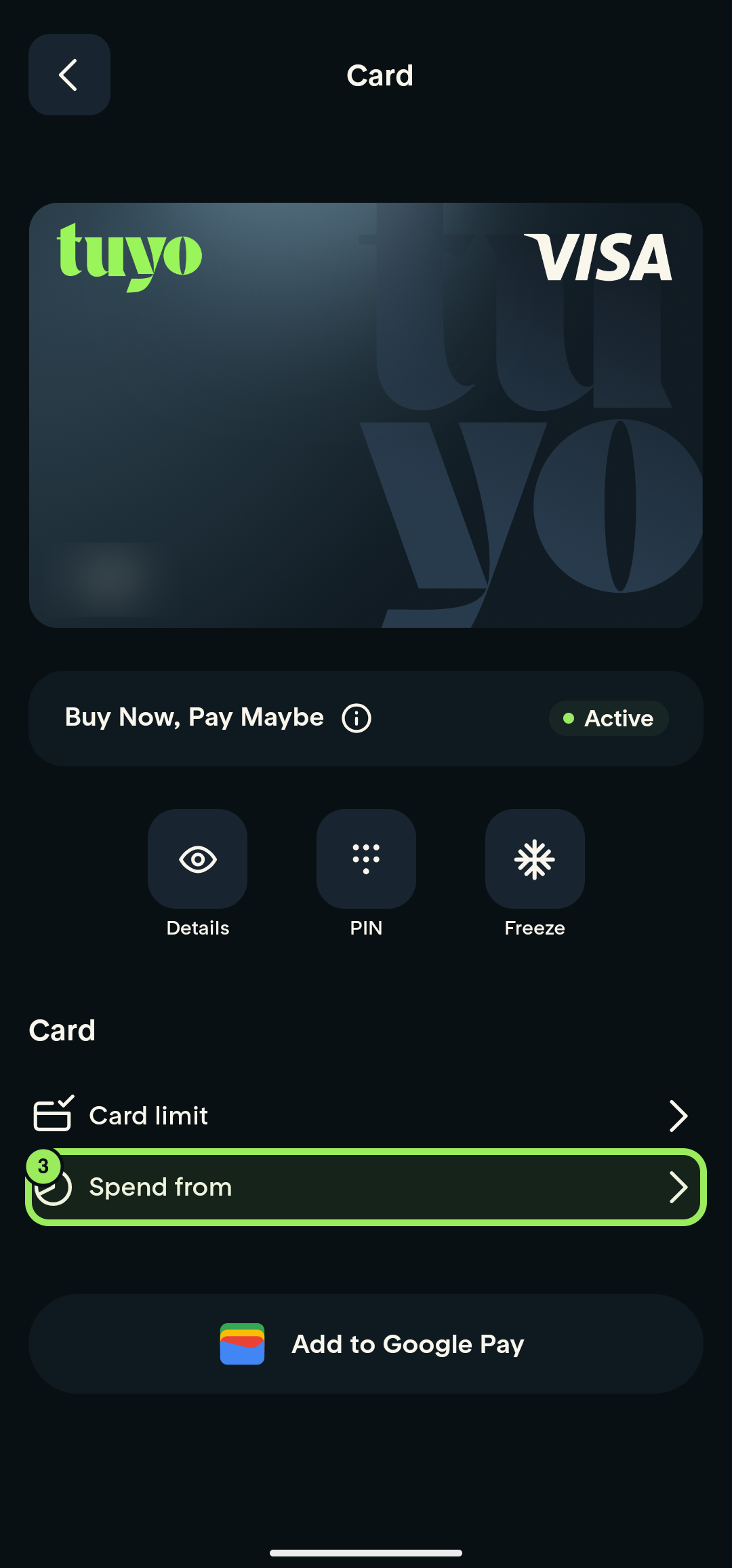
4. Remove Earn as a spending source
Turn off the Earn balance switch. Cash remains your card's default spending source.