Add card from Tuyo
Open the Google Wallet card-add flow from your Tuyo card.
Quick text guide
- On the main page, tap the Card tab.
- Tap the Card shortcut.
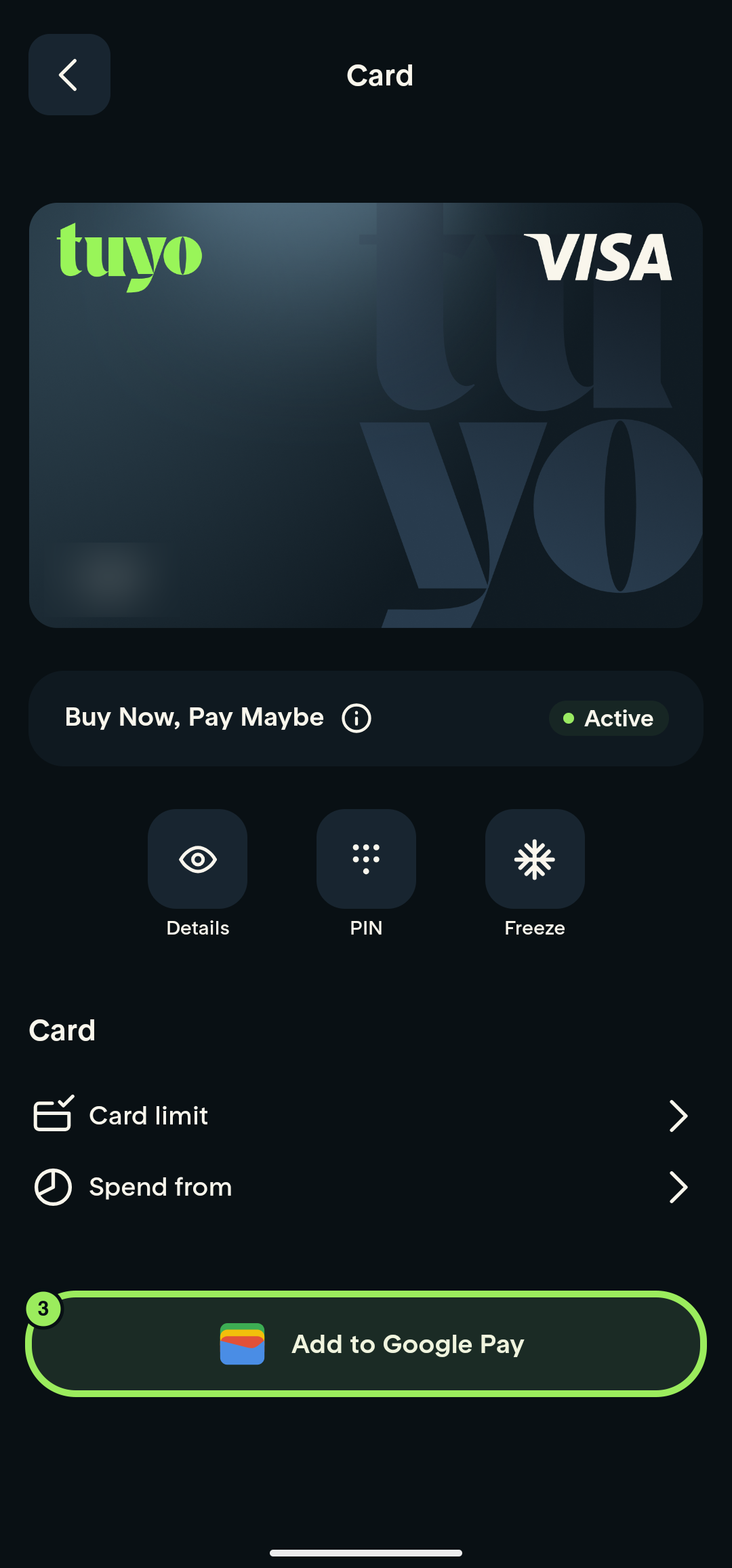
- Tap Add to Google Pay to continue in Google Wallet.
Step-by-step guide
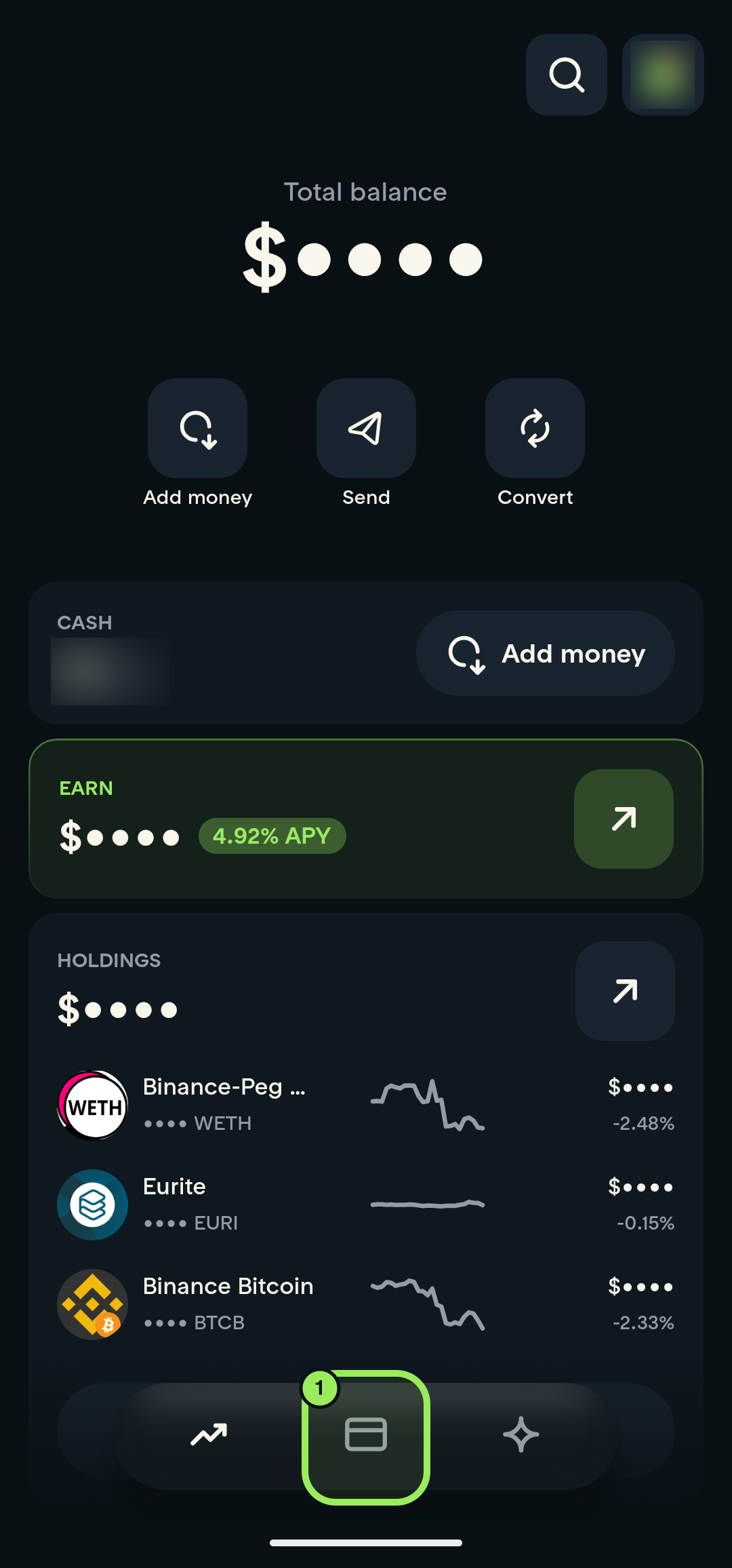
1. Open the Card tab
Tap the Card tab in the bottom navigation.
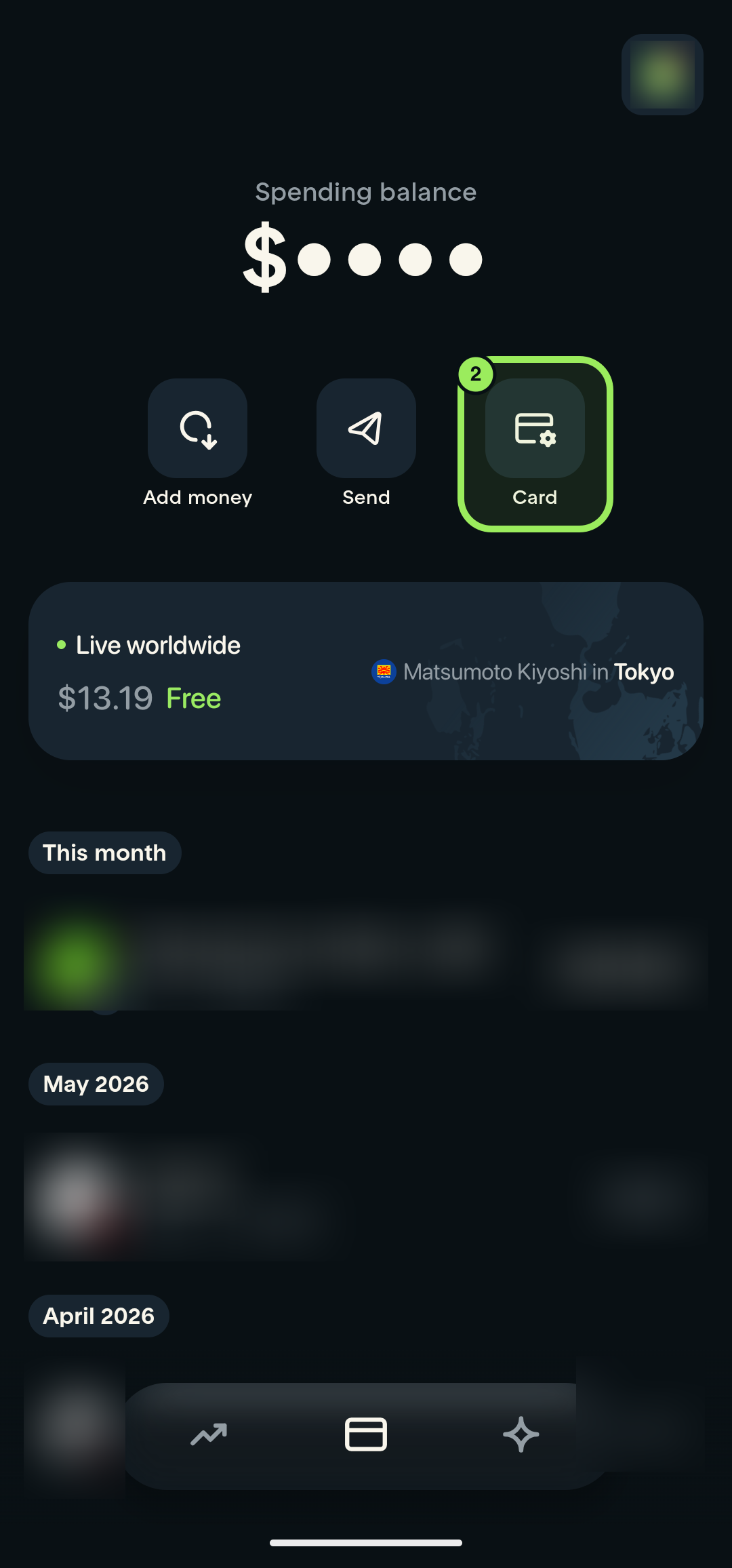
2. Open card management
Tap the Card shortcut.
3. Open the Google Wallet add flow
Tap Add to Google Pay. Tuyo opens the Google Wallet handoff.